
Many thanks for installing O&O SafeErase 20!
We would like to show you in a few short steps how you can quickly get started using O&O SafeErase.
What is O&O SafeErase?
Your personal photos and confidential documents can easily fall into the wrong hands when you sell, give away or dispose of your old PC or hard drives. Identity theft is now a widespread security threat. This is because clicking on “Delete” does not mean your files are permanently deleted. Even formatting the hard disk is not enough to permanently delete data. O&O SafeErase permanently deletes your confidential files using recognized methods so that a recovery is never possible, not even when using the best file recovery software.
First steps with O&O SafeErase
After the first start of O&O SafeErase you can get your license by clicking on “I would like to enter my license number or purchase a license”.
O&O SafeErase includes an analytical tool that scans your computer for temporary and unsafely deleted files. With just a few clicks, you can clean your computer so that unauthorized parties never have a chance to spy out old files for possible misuse. SSDs can also be detected, and deletions made on them will be done sparing resources.
Carry out a Security check
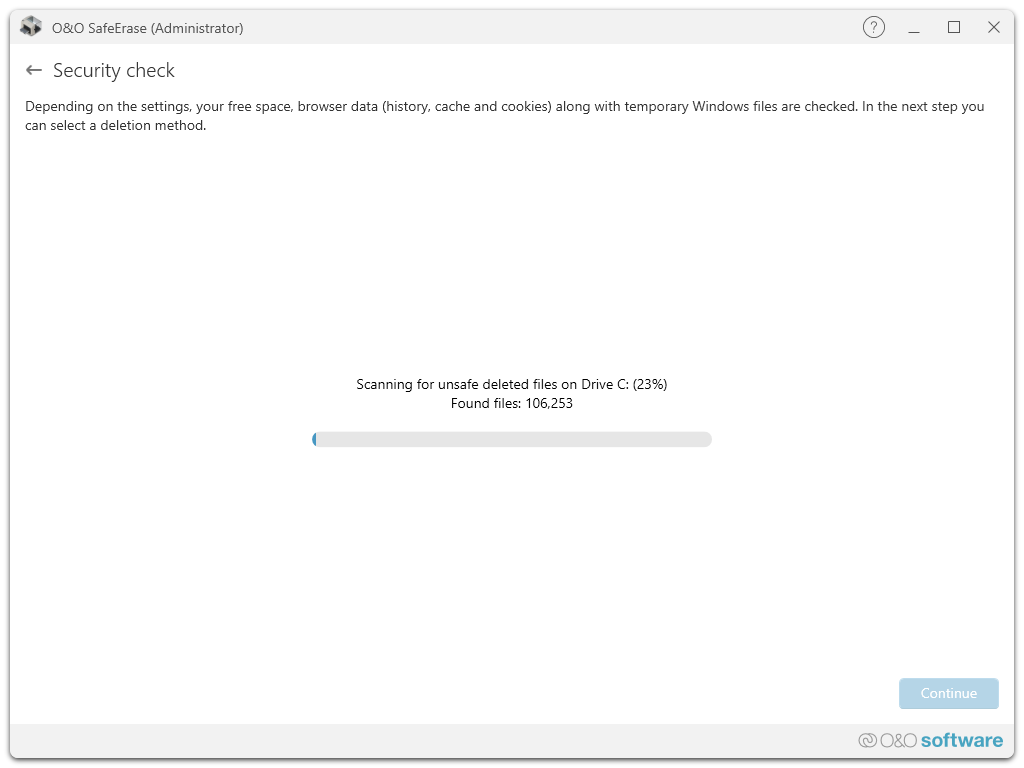
The Security check goes through your computer looking for files that could pose threats to your privacy. Among these are browser data, temporary Windows and program files as well as remnants of data in free space. Once the scan is completed, you can have the list of detected files displayed by clicking “Show report“ or click “Continue“ to select a deletion method. You can also select “Return” and go back to the start page with your data remaining unchanged.
Avoid the risks
Data misuse can have serious consequences, from identity theft to financial loss. Simply “deleting” files is not enough as they can often be recovered.
O&O SafeErase ensures that deleted data is irretrievably removed using advanced deletion algorithms that meet the strictest security standards.
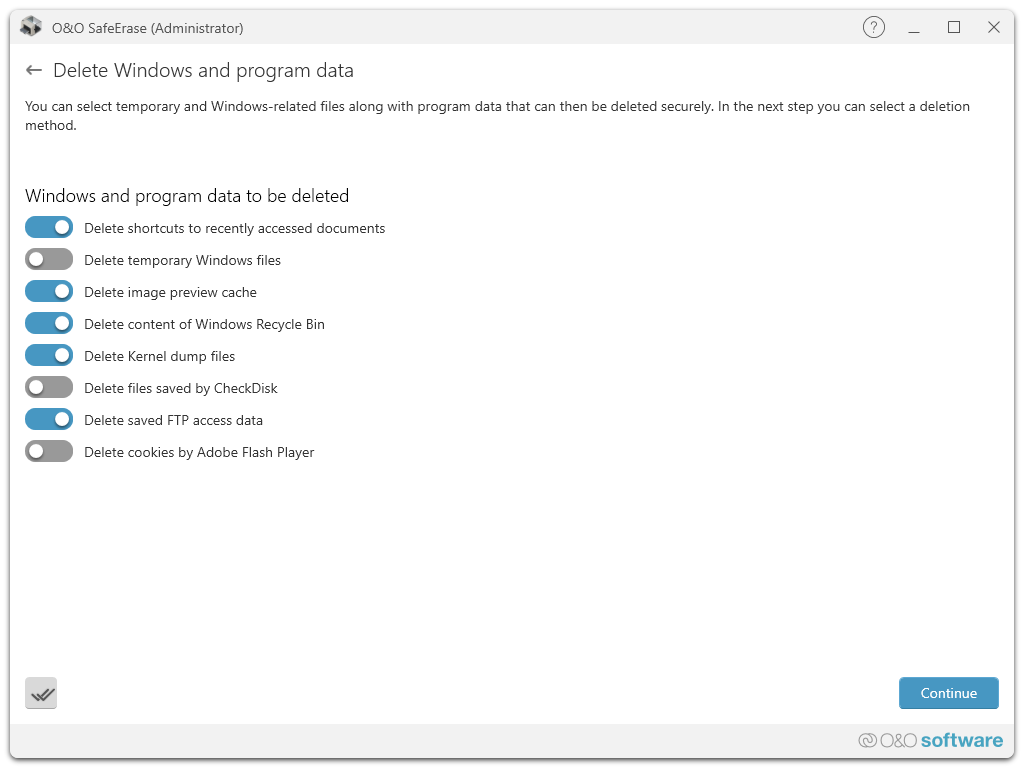
Unique Fortress Mode
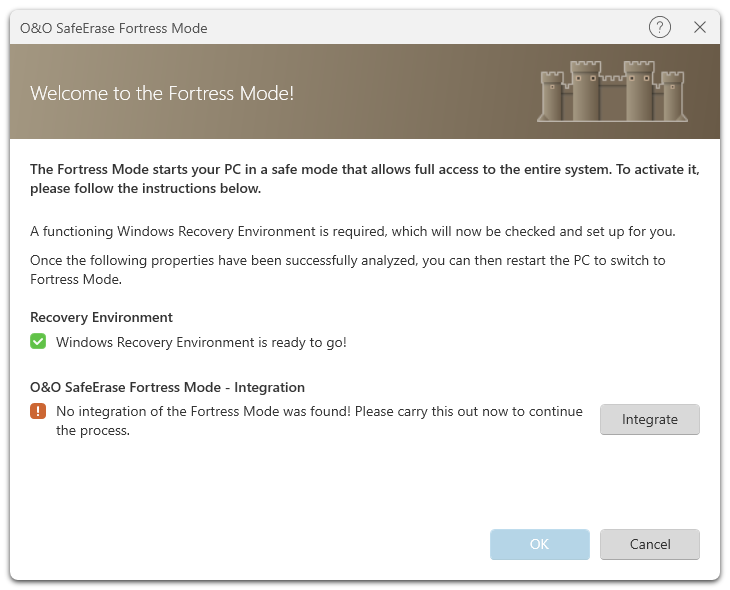
With the Fortress Mode from O&O SafeErase 20, you can now destroy your sensitive data even more efficiently and securely. To do this, your PC is placed in a locked mode in which no other application can access your data. This not only makes the deletion process faster, but also safer, as background processes cannot influence the deletion process or even write new sensitive data during the process.
We hope you enjopy using O&O SafeErase!
Further tips and tricks can be found on our web page at:
https://www.oo-software.com/en/products/oosafeerase